WiseObject Selection Tool in WiseImage
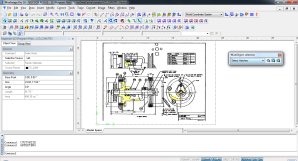
The WiseObject selection allows selection of such types as hatch, text, ‘speckle’, linear objects, in the whole image or a specified area.

Open the WiseObject selection toolbar.
- Choose an object type to select from the combo-box.
- Click one of the following buttons:
- WiseObject selection – to select from the whole image;
- Select by WiseObject selection Rectangle – to select from an area specified by a frame;
- Select by WiseObject selection Polygon – to select from an area specified by a polygon.
What's Your Reaction?